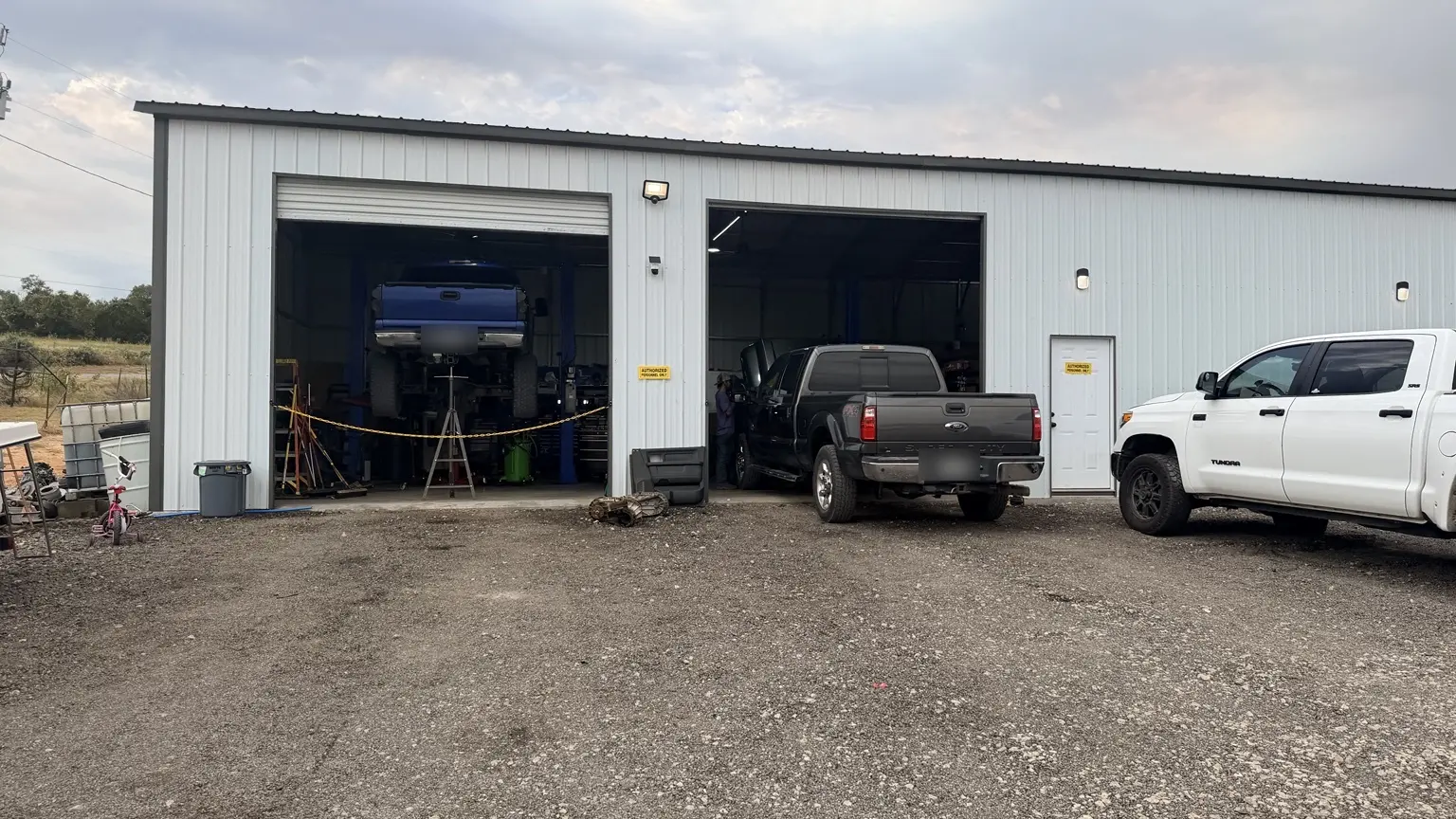
Open service bays at Anchor Automotive.
Bring a unit list and a clear approval contact
Download the fleet planning and onboarding worksheet (PDF) · Print a blank copy and keep it with your vehicle records.
The printable worksheet includes a unit record, approval handoff, and service report outline. Fill it with your own vehicles and history. It is a blank planning tool, with no sample customer results.
Match the plan to the vehicles your business runs
Our fleet service in Springtown, TX supports local gas and diesel work vehicles. Send the year, make, model, engine and unit list so the shop can confirm the work it can accept for each pickup, van or service truck. A work-truck label alone does not establish that a particular commercial chassis, vehicle size or specialist task fits the shop.
Plan service around real operations: which vehicle carries the tools, which pulls the trailer, and which units can cover the same route? Discuss those constraints before selecting an appointment.
Create one record per vehicle
A unit number ties driver reports, invoices, mileage and approvals to the correct vehicle. Include the year, make, engine and drivetrain where relevant. A small business with two or three vehicles can use the same approach without buying a complicated system.
Use this blank unit-planning worksheet. Complete it with your own vehicles and verified history; it is not a completed customer example.
| Field | Record for each unit |
|---|---|
| Unit ID and vehicle | Business unit ID; year, make, model and engine. |
| Mileage and hours | Current odometer; engine/idle hours if available, with reading date. |
| Actual use | Route length, towing/load, idling, dust and work-site operation. |
| Last service | Date, mileage/hours, work, applicable specification and invoice reference. |
| Next review | Vehicle-specific due items, inspection findings and planned review date. |
| Current concerns | Driver report, urgency, known restrictions and contact responsible. |
Use mileage and operating conditions together
The correct manufacturer guidance remains the baseline for each unit. Record regular towing, load, idling, Texas heat, dusty roads, vehicle age and other conditions that matter to that specific schedule. Calendar time matters alongside mileage. Ford: special operating-condition maintenance is one manufacturer example; its intervals are not a rule for all gas or diesel fleet vehicles.
Gas and diesel units may need different oil specifications, filters, inspection items and service intervals. Diesel fuel and emissions systems add vehicle-specific requirements. Match each record to that engine and its operating guidance rather than applying one universal fleet schedule.
Geotab: fleet maintenance planning discusses how engine hours and work patterns can reveal use that mileage misses. It is a vendor source focused on utility fleets, not evidence that an Anchor customer achieved a certain saving. You can collect relevant usage information without transferring another fleet’s cost or downtime claims to your business.
For the service-planning worksheet, see our Texas maintenance guide. For hard starts, towing power loss or diesel warnings, use the diesel diagnostic guide and treat active faults separately.
Make driver reports specific and safe
Ask for the unit ID, mileage, warning wording, symptom, operating conditions and when the concern began. A report such as “loses power with the trailer when warm” provides more direction than “runs bad.” Photos or notes must be collected safely, not by a driver handling a phone in motion.
Designate who decides whether a vehicle should be taken out of service and who arranges assistance. Do not wait for the next maintenance interval to address a serious braking, steering or engine warning.
Schedule early warnings; stop for unsafe symptoms
Book a prompt assessment for recurring hard starts, an unexplained battery drain, new leaks, a steady warning light or a change in drivability. Auto diagnostics can establish the cause before a fleet manager approves parts. Tell the shop whether symptoms occur cold, hot, under load or after the unit sits.
Reduced braking, loss of steering control, overheating, a low-oil-pressure warning or a flashing check-engine light with shaking calls for a safe stop. Shut down when safely parked and follow the vehicle's instructions; arrange towing when continued driving is unsafe. Never remove a hot cooling-system cap. A fleet schedule does not override a driver's safety concern.
Decide who can authorize work before the vehicle arrives
| Step | Decision to record |
|---|---|
| Inquiry | Unit list, known concerns, usage, preferred timing and documentation needs. |
| Initial authorization | Named decision-maker, approved initial scope and limit. |
| Findings and estimate | What was found, priorities, proposed work and remaining uncertainty. |
| Scope change | Who receives the update, backup contact and approval needed before added work. |
| Completion | Final invoice, work/verification notes and the next maintenance review. |
Agree on the contact method and escalation plan with the shop; this is a proposed business workflow, not a promise of a particular response time. Keep customer, driver and payment details out of public planning documents.
Stagger visits and measure actual unavailable time
Identify which units are essential to the same job or route before booking several together. Discuss preferred dates and operational constraints early. Timing still depends on diagnosis, parts, workload and approval; do not build a dispatch plan around an unconfirmed repair completion date.
Track when a unit became unavailable, the reason, when findings were provided, when work was approved and when it returned to service. Separating waiting for approval from parts or repair time makes a later planning discussion more useful. Compare your own records over time rather than claiming a downtime percentage without a baseline.
Start the fleet conversation with useful information
Use the Fleet intake form for business vehicles. Include fleet size, gas/diesel vehicle types, unit IDs, mileage/hours, work use, urgent concerns, preferred timing, approval contacts and record requirements. Anchor Automotive can discuss maintenance and repair priorities for the units involved.
Ask about any capability your operation requires before relying on it, including vehicle size, inspections, transportation needs or account terms. For routine work, the vehicle maintenance page explains scheduling, and the diesel repair page covers pickup diagnostic requests.
For a single vehicle whose appointment scope has been discussed, book online or call (682) 302-0540. Use the Fleet form first when you need to coordinate multiple units and approval arrangements.
Frequently asked questions
Can a business with only a few vehicles use this plan?
Yes. Unit records, service history and a clear approval contact can be kept simple and still support better planning.
Can maintenance guarantee no downtime?
No. Planning cannot prevent every failure, parts delay or scheduling issue. Record actual interruptions and review their causes.
What should a fleet inquiry include?
Unit list, vehicle types, usage, mileage/hours, known issues, preferred timing, approval contact and documentation needs.
Should mileage be the only maintenance trigger?
No. Follow each vehicle’s guidance and account for time, hours where relevant, actual use and inspection findings.
Can I assume every truck will be ready the same day?
No. Confirm scheduling with the shop; diagnosis, parts, workload and approvals affect completion.
Keep reading
Service information
Technical references
Manufacturer and industry references support the explanations above. Use the instructions and specifications for your exact vehicle; examples are not universal repair procedures.
Discuss a fleet maintenance plan
Send your unit list, usage and approval contact through our fleet inquiry form. We can discuss the next planning step for your Springtown work vehicles.